Here is how you set up spell check in Scribe:
Note: This function used to be handled by a plugin in v1.x, however v2.x does not require
a plugin, it's part of the base software.
| Windows Users | Mac Users |
| Step 1 To do spell checking on Windows you'll have to install Aspell.
At the time posting this, to get a functional install I used
the installer and english dictionary from here.
Install the "Full installer" and one or more dictionaries.
Then if Scribe is running, restart it.
| Step 1
The Mac build uses the system spell check. So there is nothing to do here.
|
| Common Steps | |
|
Step 2
Go to File → Options and then the Other tab.
Step 3
Switch on "Spell Check".
Step 4
Also select a dictionary from the list below that.
| |
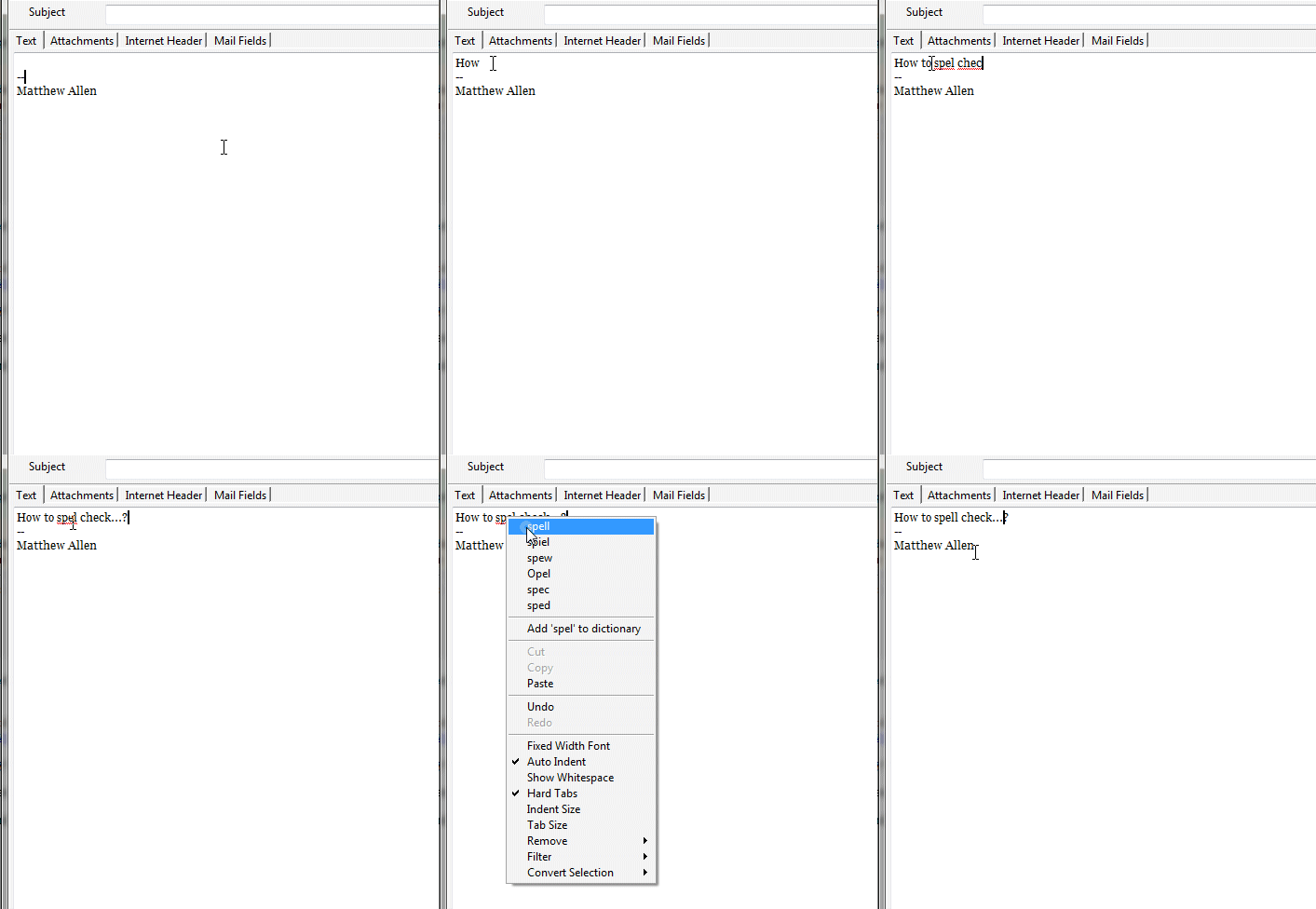
After installation and configuration as you type in the message area the spell
checker will constantly check the words you type and underline in red those that are mis-spelt.
Right click to select the correct spelling or add to the dictionary.